Industries / Done for you
AI receptionist for IT support and MSPs
Quick summary
Next Gen Calls builds, connects, launches and tunes AI call intake for IT support teams and MSPs. The agent captures who is calling, what is affected and how to reach them, then follows your handoff rules. Your technicians keep diagnosis, account access and repair decisions.
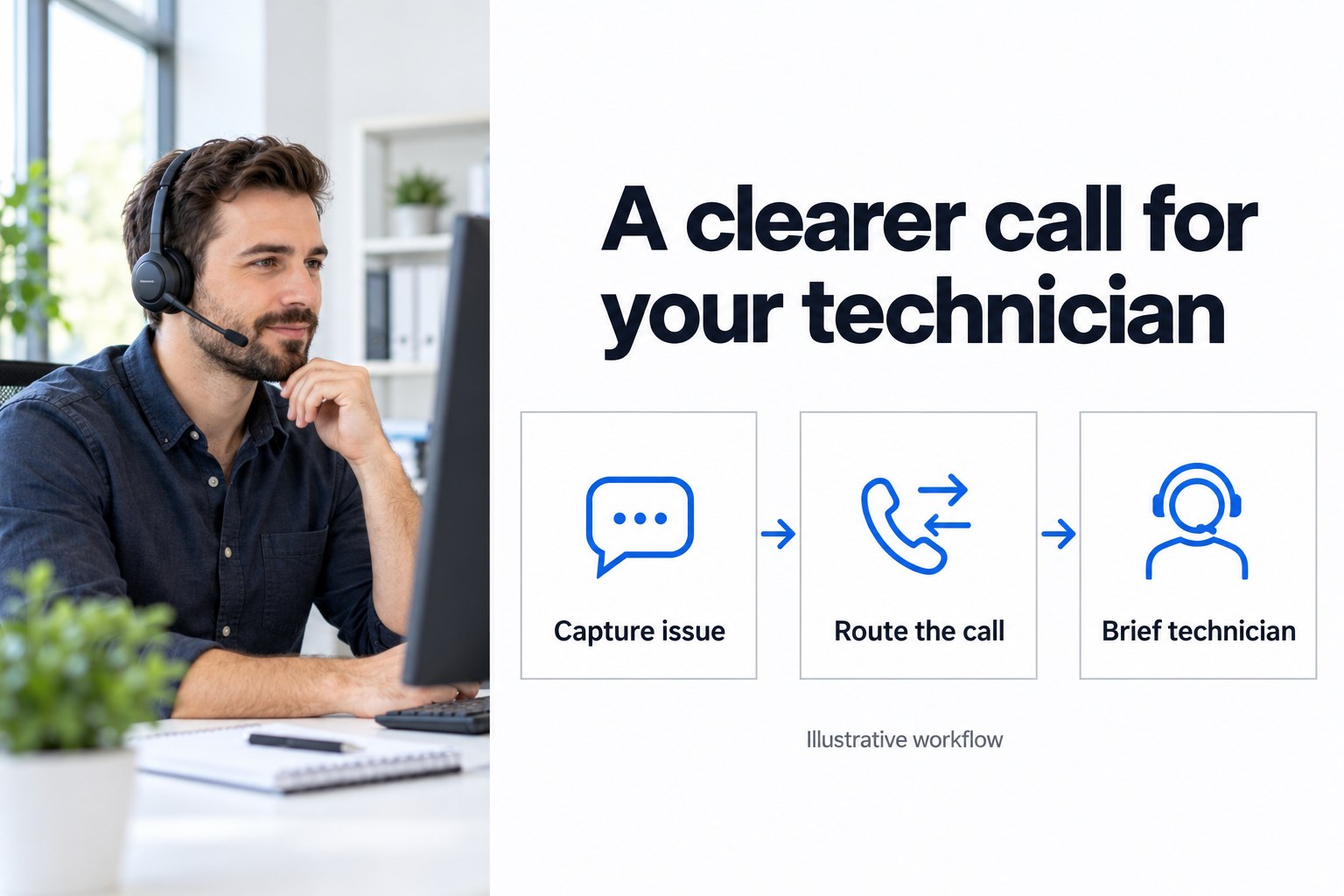
- 01 →
Capture the impact
Ask which business and service are affected, when it began and who needs help.
- 02 →
Follow your routing rules
Separate routine requests, urgent reported problems and new-business inquiries.
- 03
Brief your technician
Use a warm transfer and call summary so staff receive the caller's description.
Illustrative workflow. We confirm the connected actions and permissions for your setup before launch.
Let technicians pick up a clearer request
A caller saying “I can't get in” could mean one person's account, an office-wide service problem or a request from someone who is not yet a customer. A name and a vague voicemail leave your team with more questions before they can begin.
We build your Smart Receptionist Agent™ around the information your technicians need first. It can capture the issue, follow your agreed routing and give the receiving person a private whisper briefing before a warm transfer. An AI summary after every call gives staff the caller's account of what happened.
Capture the impact in the caller's own words
The first conversation should be useful even when the caller cannot name the technology. Your approved intake can ask:
- Which business, site and person are calling.
- A reliable callback number and where the caller can be reached.
- Which service they are trying to use and what they see.
- Whether the problem affects the caller alone or other staff too.
- When it started and whether anything changed just before it.
- Whether they are calling about a new request or following up on an existing one.
Use ordinary wording. “Can anyone else open the app?” is easier for a caller than asking them to classify an incident. Your team sets which answers call for an urgent handoff; the agent should not invent a technical diagnosis.
For several callers reporting a service problem, use the IT outage call-handling guide to plan approved updates, new symptoms and repeat calls.
A practical example: staff cannot open their remote-work app
An office manager calls because several colleagues cannot open an app they use away from the office. The agent asks which business is affected, when the problem began, what message appears and the best number to call back. It captures the reported impact without asking for passwords or access codes.
Under your approved rules, the call reaches the on-call technician. The technician hears a short private briefing before joining the caller. If that person does not answer, a backup group gets the next opportunity. The fallback message tells the caller the next step your team has approved.
The resulting summary might read: “Existing customer; remote-work app unavailable to several staff; began this morning; caller reports a sign-in message; callback details captured; transfer attempted.” This is a fictional example of useful intake, not a diagnosis, a resolved ticket or a customer result.
Connect Autotask and ITGlue around a defined first job
Autotask and ITGlue are verified integrations. For your build, we confirm which account, records and actions the intake workflow needs, and where staff will find the captured details.
The first job can be reception and escalation. If you want a ticket created, an existing ticket updated or a record retrieved during a call, scope and test that action separately. Integration availability does not establish that every action is supported in your account.
Choose what happens when the business name is unclear or a caller cannot be matched confidently. Keep a route to a person for those cases. Staff should not receive a confident-looking summary that hides an uncertain match.
Keep technical and access decisions with your team
Intake should help a technician understand the request. It should not turn into an improvised password reset, account unlock, device repair or promise about when a service will be restored.
We build the approved questions and limits into the conversation. Your team decides which information must never be requested or read aloud. A caller describing a possible security concern can be routed using your escalation instructions; the agent is not a substitute for your response process.
Separate support calls from new-business inquiries
A business asking about managed IT services does not need the same questions as a current customer reporting a problem. We can give new inquiries a separate path for company details, broad needs and an approved appointment.
When follow-up is part of that path, Smart Engagement Agent™ can call new leads and Smart Micro Agent Solutions™ can handle SMS and email. We confirm permissions, cadence and stop rules. Routine support questions remain with the service workflow instead of being treated as sales opportunities.
Plan the unanswered call before launch
Set your business hours, holidays, on-call destinations, backup group and fallback wording. Test an unanswered transfer as carefully as a successful one. The agent should describe what actually happened rather than suggest a technician has accepted an issue when nobody joined the call.
A supervisor can listen and take over when a conversation needs help. Your team can use summaries to spot missing questions and decide what we should tune. Calls can be handled in English and Spanish, with more languages available.
Bring a real intake form and test the exceptions
Bring your support script, escalation rules, Autotask and ITGlue workflow, transfer numbers and the information staff need in a summary. Start with a routine request, a reported service outage, an unfamiliar caller and a holiday call.
Agree how staff will judge the first conversations: useful details, clear uncertainty and the right human route. We build, connect, launch and tune that intake for you, while your technicians keep responsibility for solving the problem.
A friendly note: have your team approve privacy and recording wording for its callers.
Common questions
What can an AI receptionist do for an MSP?
It can answer calls, capture the business, contact details and reported problem, answer approved questions and follow your routing rules. We build the intake around your service desk so technicians receive a clearer request.
Can it create or update Autotask tickets?
Autotask is a verified integration, but ticket creation, updates and other actions must be confirmed for your specific build. The page's intake and handoff example does not depend on an automatic ticket action being available.
How does ITGlue fit into the call?
ITGlue is a verified integration. We scope the permitted records, access and actions before launch. Do not assume the phone agent can access every document, read credentials to callers or diagnose a device from the existence of that connection.
Can it reset passwords or resolve technical issues?
The workflow described here captures information and reaches your team. It does not promise password resets, account unlocks, device access or repairs. Your technicians handle authentication, diagnosis and remediation.
What if the on-call technician does not answer?
We can configure a backup group, business-hours and holiday routing, and a voicemail fallback. Agree what the caller should hear if a transfer is unanswered; do not promise a response or resolution time the team has not committed to.