Industries / Done for you
AI receptionist for home services: calls handled
Quick summary
Next Gen Calls builds, connects, launches and tunes your home-services receptionist for you. The agent can answer while you are on a job, collect the location and work requested, and follow your appointment or human-handoff rules. Your team keeps decisions about estimates, crew availability and the work you accept.
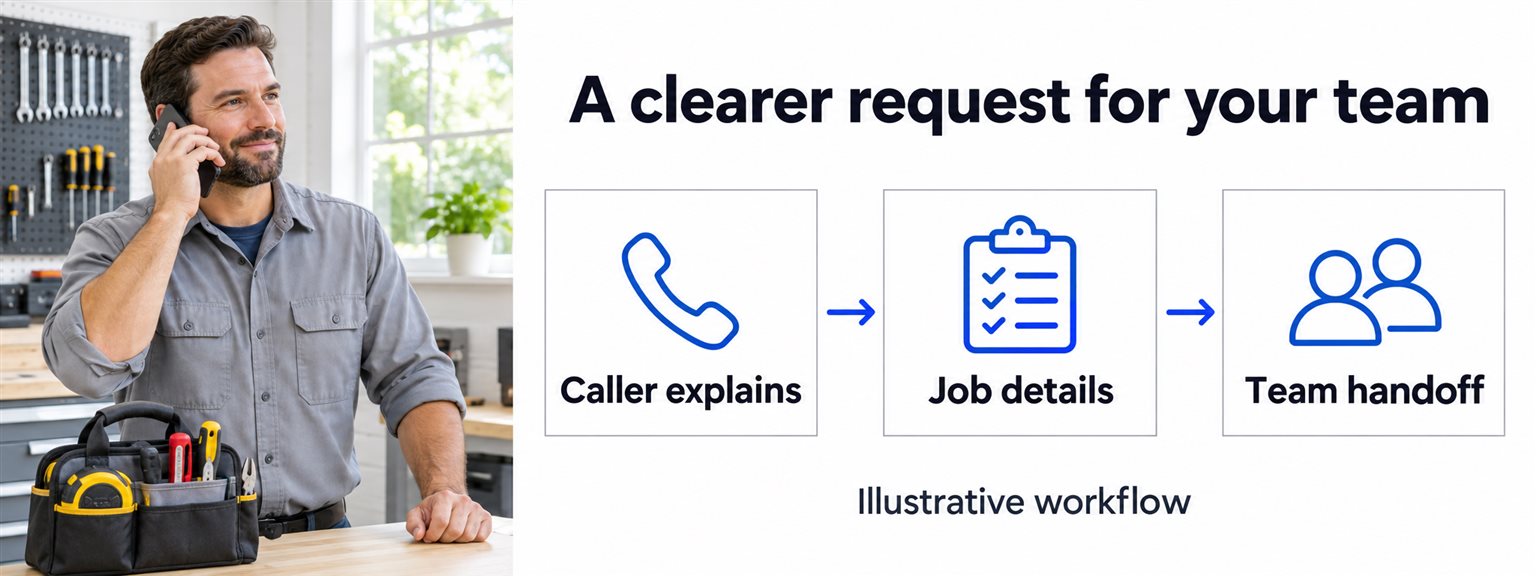
- 01 →
Understand the request
Ask where the work is, what the caller needs and whether it concerns a new or existing job.
- 02 →
Follow your service rules
Use approved service-area, booking and after-hours instructions without guessing availability.
- 03
Reach the next person
Confirm a supported appointment action or brief your team with the request and remaining questions.
Illustrative workflow. We confirm the connected actions and permissions for your setup before launch.
Answer the next caller while you finish the current job
When you are under a sink, on a site visit or helping a customer at the counter, another ringing phone can be hard to answer well. A missed inquiry also leaves your office with questions: where is the work, what does the caller need and who should call back?
We build an AI reception flow that gathers those useful details and gives the caller a clear next step. A new estimate request, an existing customer's question and a call needing a person should each follow the path your team chooses.
Start with the location and the work requested
Your intake should help staff decide who needs to respond. Useful starting questions include:
- What address or area is the work in?
- What service or problem is the caller asking about?
- Is this a new inquiry or an existing job?
- What timing is the caller hoping for?
- What is the best callback number?
- Is there a question your team needs to review before offering an appointment?
Use your approved service-area and service information. If the location or request is unclear, the agent can collect a clarification or pass it to staff. It should not guess a travel boundary, diagnose the problem or accept work your business has not agreed to take.
A practical example: an after-hours plumbing inquiry
An illustrative caller phones after the office closes about a leak under a kitchen sink. The agent captures the address, callback number and the caller's description, then follows your after-hours instructions.
If your rules call for a person to review the request, the on-call recipient can hear a private whisper briefing before taking the warm transfer. If that person does not answer, your backup group and fallback determine the next path.
The caller should understand what actually happened. A request passed to the team is different from a confirmed visit. The agent should not say a technician is on the way or invent an arrival time. Your staff keep technical judgment and any decision to accept the job.
The AI summary can give the office a concise request to review: location, work described, requested timing, callback details and whether the transfer connected. This is a fictional example, not a customer outcome or a promise of emergency service.
Separate a booking from an estimate or crew commitment
Choose what an appointment means for your business. It may be a consultation, an estimate visit or another clearly defined slot. A booked conversation should not silently become an accepted job, a final price or a crew assignment.
We can connect an approved booking path, including GoHighLevel calendars or Calendly. We confirm the appointment type and supported actions, then test the result with your team. A preferred time remains a request unless the connected booking action succeeds.
For work that needs a site assessment, collect the details your estimator needs and explain the review step. Your staff remain responsible for scope, price and delivery commitments.
Give existing customers a useful route
A customer asking about a current job should be able to explain the reason for calling without repeating a new-sales script. Define which questions go to your office and which need a supervisor or another person.
Approved live HubSpot and GoHighLevel lookups can provide agreed context during calls. OneCrew is also a verified integration; the specific records and actions are scoped for your build. Do not assume automatic crew dispatch, project updates or access to every field from the integration name.
If the caller cannot be matched confidently, capture the uncertainty and use your staff-review path. A clear request is more useful than a confident answer about the wrong job.
Decide what happens when the first person is unavailable
Bring your business hours, holidays, transfer contacts and approved after-hours wording. We can configure a backup group and voicemail fallback. Test that path alongside a successful transfer, so callers hear what will happen next rather than a promise nobody has accepted.
An AI summary after each call helps your office follow up. Supervisor listen and takeover are available when a conversation needs help. Calls can be handled in English and Spanish, with more languages available.
Use the human-handoff plan to agree the recipient, private briefing and backup for calls your team needs to handle.
For new inquiries, you may also want Engagement calls or Micro Agents SMS/email follow-up. We confirm contact permissions, cadence, handoff and stopping rules separately. Respect opt-outs and the do-not-contact list rather than treating every service call as permission for a sales campaign.
Test the calls your team finds difficult
We build, connect, launch and tune the agent around your approved intake and routing. Bring a real office script, service-area guidance and examples of requests staff normally review.
Try a new estimate, an existing-job question, an unclear location and an unanswered after-hours transfer. Check the summary against the caller's words. Make sure a booking request, a confirmed appointment and a request awaiting your team's decision are easy to distinguish.
A friendly note: review contact and recording wording for your business before launch.
Common questions
Can it answer while our team is on jobs or after hours?
Smart Receptionist Agent™ can answer inbound calls 24/7. We build the questions, business-hours and holiday routing, transfer contacts and fallback around your business. After-hours answering does not itself promise that a technician is available.
Can it quote a job or promise an arrival time?
Your team approves any price information the agent may use. A site assessment, final estimate, crew commitment or arrival promise stays with the person responsible unless a specific connected action has been confirmed for your build.
Can it book an appointment?
Booking can follow a verified connection such as GoHighLevel calendars, Calendly or Google Calendar. We scope the appointment type and supported actions. A captured preferred time is a request until the approved booking action succeeds.
Can it work with our CRM?
Live lookups in HubSpot and GoHighLevel during calls are verified. OneCrew is also a verified integration. We confirm the particular records, matching rules and actions for your account rather than implying support for every field-service system.
What happens when nobody answers a transfer?
We can configure a backup group and voicemail fallback, with routing by hours and holidays. The caller hears your approved next step; an AI call summary records the request without suggesting a technician accepted it.